AI Workflow Automation Tools: 9 Best Picks for 2026
Compare the best AI workflow automation tools by real cost, data safety and team fit. Includes when a stack audit beats buying another tool.
Quick Answer
The best AI workflow automation tool depends on who builds it. If you already pay for several AI tools and they don't work together, start with CloudMotiv. If you want to build it yourself, use Zapier or Make (simple), n8n (technical) or Gumloop (AI-first). For regulated, document-heavy work, look at Workato or Kognitos.
What are AI workflow automation tools?
They connect your apps and add an AI model that can read, classify, write or decide at one or more steps. Classic automation moves data from A to B. These tools can also handle messy inputs like emails, invoices and support tickets.
Which AI workflow automation tools are worth using in 2026?
Pricing is from vendor pages and public reviews checked in October 2026. Plans change often, so confirm before you buy.
1. CloudMotiv: best when you already own AI tools and they aren't paying off
Type: Done-with-you stack audit and workflow build, not a self-serve app Pricing: Custom. Book a free audit. CloudMotiv's StackIQ process and AI workflow automation services map every tool you pay for, find overlap and unused seats, redesign the workflow so AI sits inside the work, and train each role on its own tasks. It is vendor-neutral and does not push another subscription. Most SMB clients get a first cost report and action plan in one to two weeks. Workflows are built to follow local data laws, including GDPR. Watch out: If you want to drag-and-drop everything yourself this weekend, a builder below is faster.
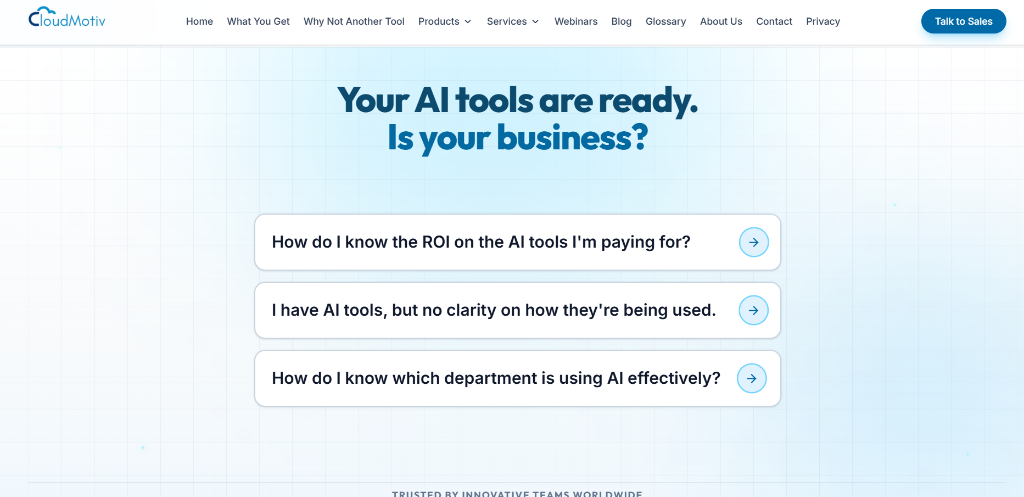
CloudMotiv Homepage - AI Stack Audit & Workflow Services
2. Zapier: best for connecting the most apps with the least effort
Pricing: Free plan (100 tasks/month). Paid plans start around $20–30/month. Over 7,000 integrations and the quickest setup. Watch out: AI is added on top of linear Zaps, and costs climb as task volume grows.
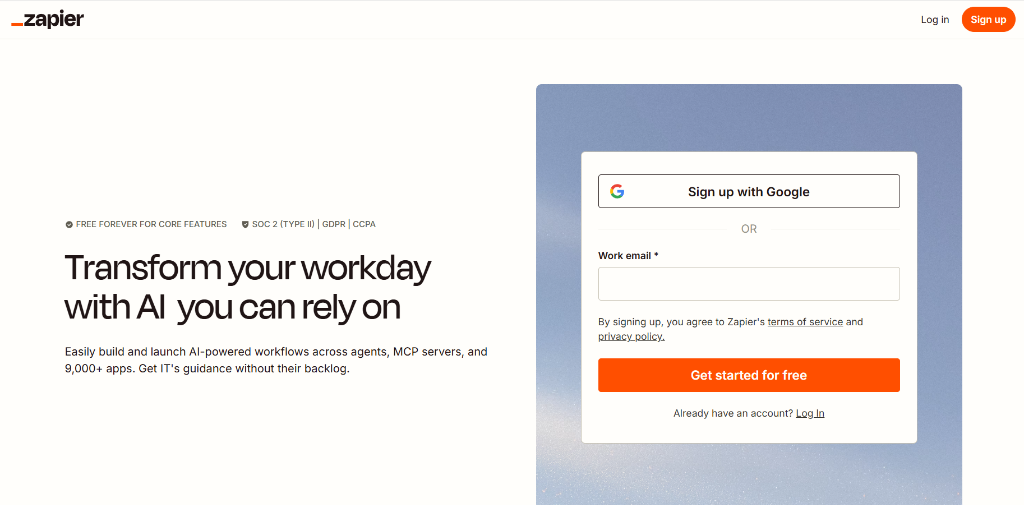
Zapier Homepage - AI Workflow Automation Platform
3. Make: best for branching workflows on a budget
Pricing: Free plan. Paid from roughly $9–11/month. A visual canvas that handles loops and error routes better than Zapier. Watch out: More concepts to learn, and every module run counts toward your operations limit.
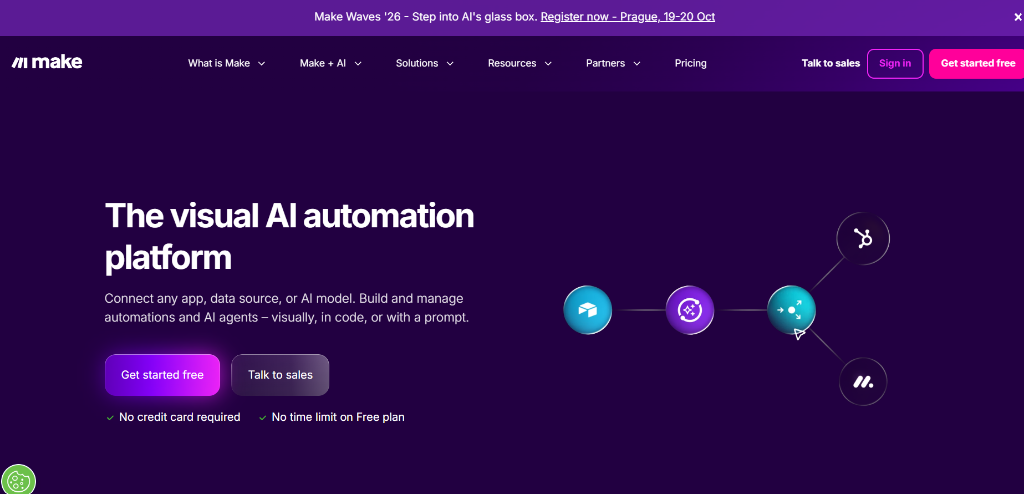
Make.com Homepage - Visual Workflow Builder
4. n8n: best for technical teams that want control
Pricing: Free to self-host. Cloud from roughly $20–24/month. Open source, with AI agent nodes and code steps. Watch out: Self-hosting makes upkeep your job, and you bring your own model API keys.
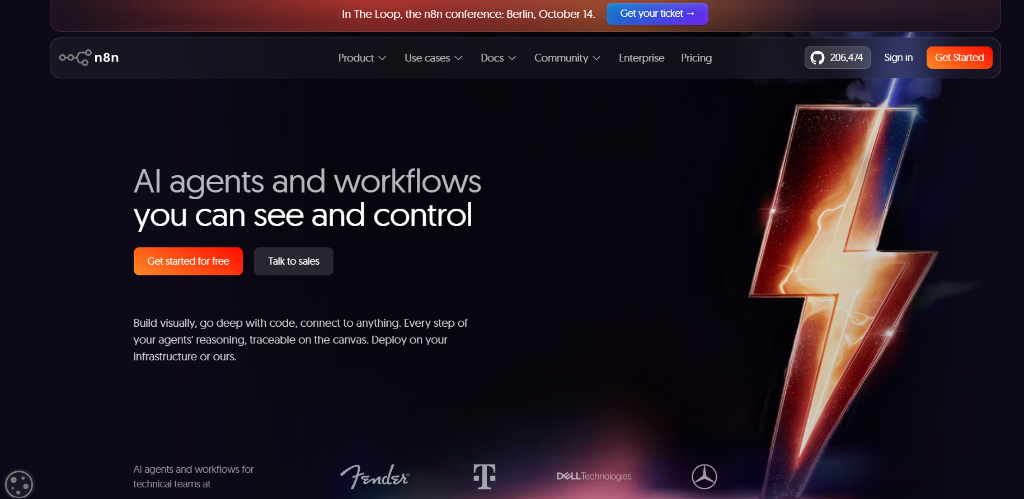
n8n Homepage - Workflow Automation for Developers
5. Gumloop: best for AI-first pipelines without a canvas
Pricing: 14-day trial, then from about $37/month. Built around LLM agents, with model credits included. Watch out: A narrower integration library than Zapier.
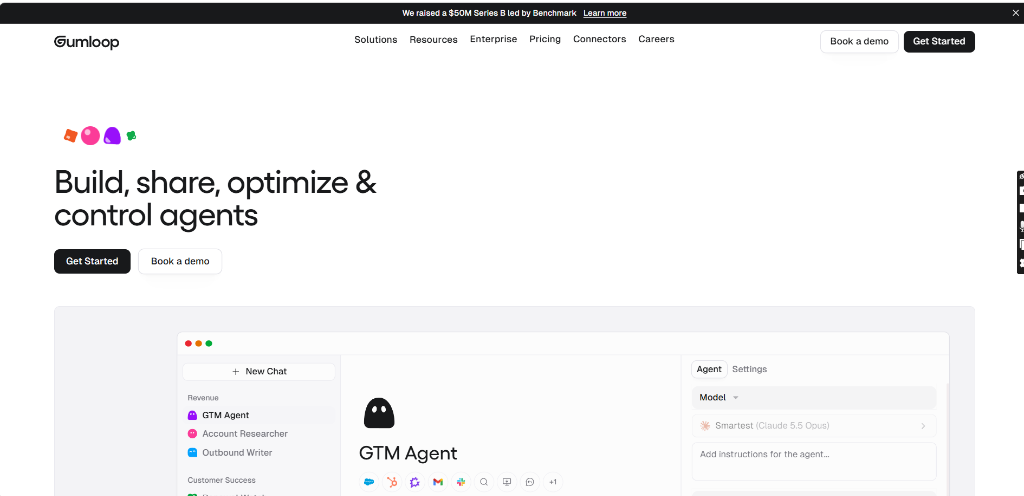
Gumloop Homepage - AI-First Automation Platform
6. Lindy: best for sales and support agents
Pricing: Free plan (about 40 tasks/month). Paid from about $40–50/month. Watch out: Costs rise with task volume, and complex flows take trial and error.
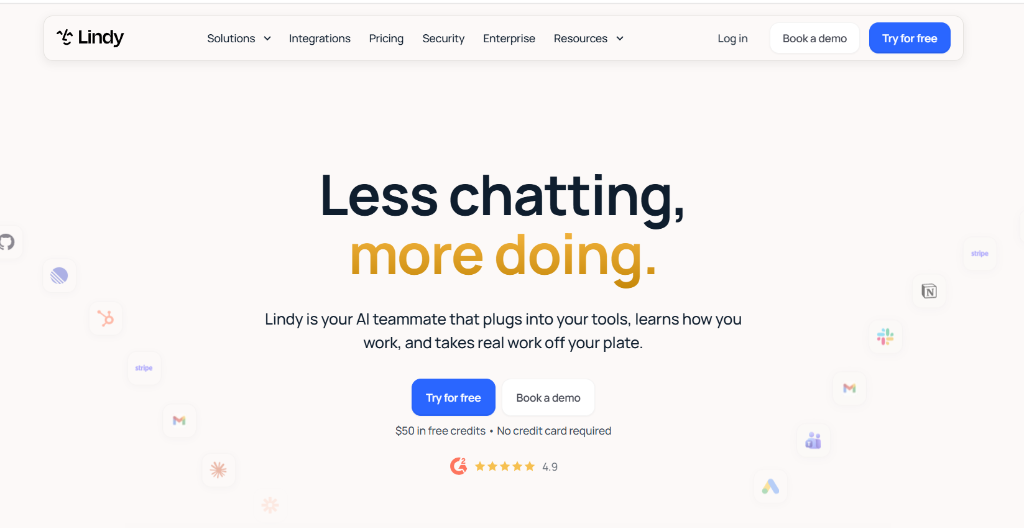
Lindy Homepage - AI Teammate for Tasks & Support
7. Workato: best for large companies with many systems
Pricing: Custom, demo required. Strong governance and a huge connector set. Watch out: Heavy for small teams.
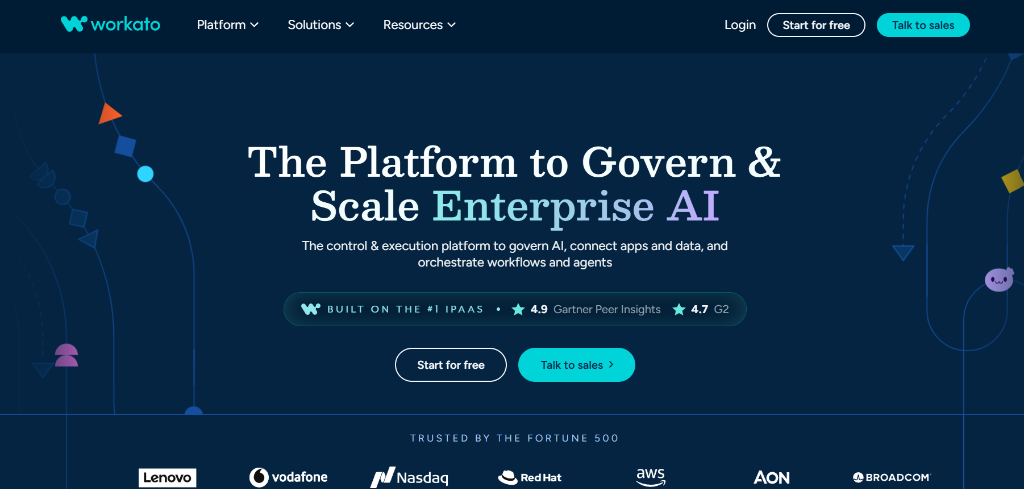
Workato Homepage - Enterprise AI & Integration Platform
8. Kognitos: best for document-heavy, audit-sensitive back-office work
Pricing: Custom. A free start is available. Workflows are written in plain English, with a logged reason for every decision. Watch out: Aimed at finance and operations at enterprise scale.
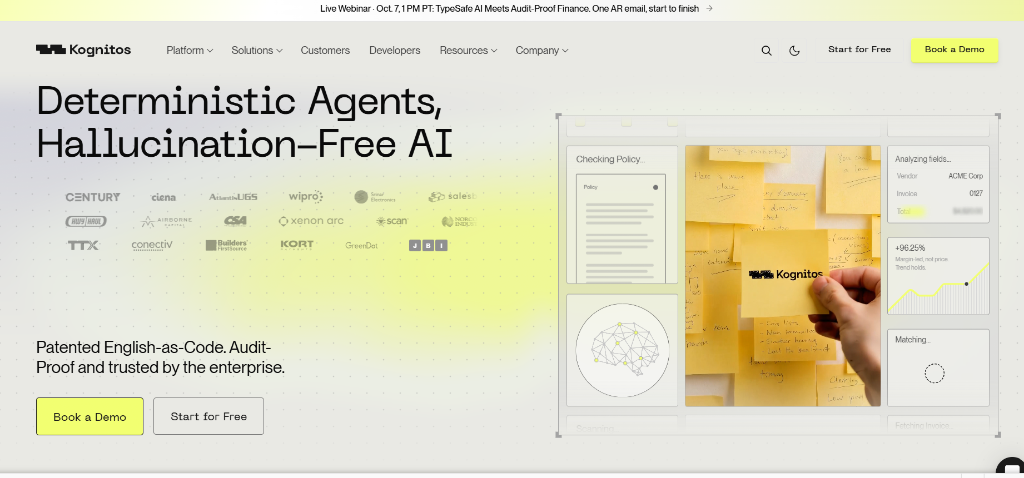
Kognitos Homepage - English-as-Code AI Automation
9. Microsoft Power Automate: best if your company runs on Microsoft 365
Fits Microsoft-centric teams with Copilot agents. Watch out: Less appealing outside that ecosystem.
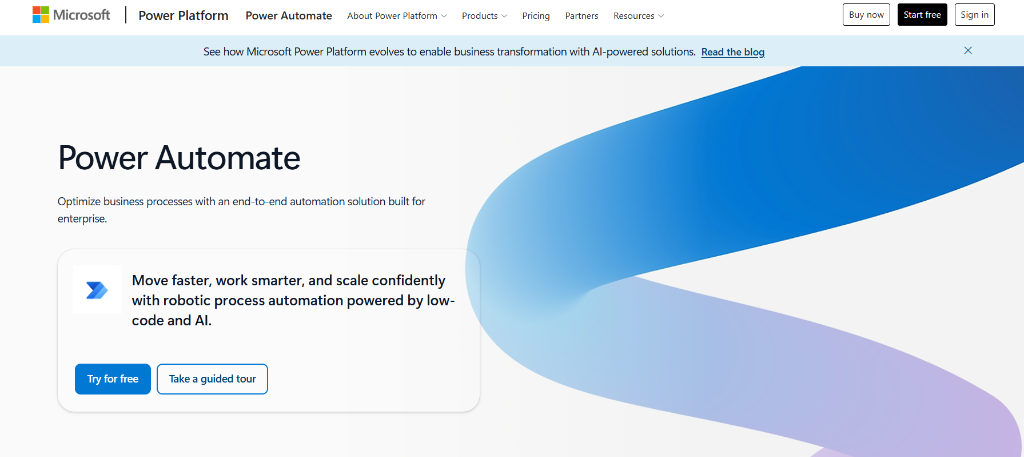
Microsoft Power Automate Homepage - Business Process Automation
How do I choose the right AI automation platform?
| Your situation | Start here |
|---|---|
| Several AI tools, no clear ROI | CloudMotiv |
| Non-technical, simple app-to-app tasks | Zapier |
| Complex branching on a budget | Make |
| Developers, self-hosting, data control | n8n |
| AI agents that research and write | Gumloop |
| Sales or support agents | Lindy |
| Enterprise integration, strict governance | Workato |
| Invoices, contracts, audit trails | Kognitos |
What do AI workflow tools really cost?
The monthly price is the smallest part. Add these:
Do the math on one real workflow before you commit to any plan. For a worked example and breakdown, explore our guide on AI workflow automation in the USA.
Why do AI automations get abandoned?
S&P Global reported that 42% of companies dropped most of their AI initiatives in 2024. The usual causes:
Fixing these is a process problem, not a tool problem. It is why CloudMotiv starts with an audit, not a purchase.
Are AI workflow tools safe for company data?
Ask each vendor three things:
Self-hosting (n8n) and enterprise platforms (Workato, Kognitos) give the most control. CloudMotiv builds around GDPR and keeps company data out of public model training.
Frequently Asked Questions
Q:Are AI workflow automation tools free?
Q:Do I need to code?
Q:What is the difference between workflow automation and an AI agent?
Q:How long does it take to see results?
What should you do next?
List every AI tool you pay for and write down who uses each one. If you can't answer that in ten minutes, book a free CloudMotiv stack audit before buying anything new.
Related Reading
AI Workflow Automation Governance: Risk-Tiered Guide 2026
Set up AI workflow automation governance by risk tier: who approves what, which checks block a run, and what audit evidence to keep. Updated for 2026.
AI for Automation: What to Automate First, and What to Leave to Humans
AI automation handles messy, unstructured work—emails, invoices, images—that rule-based tools can't. Learn the five-question framework to pick the right tasks first, avoid costly mistakes, and see real results in 30 days.
Boston Small Business Consultants AI Tools: 2026 Price Guide
What Boston small business consultants charge for AI tool setup, which tools are worth it, and when to skip the consultant. Updated October 2026.